Video Intercoms for OC Multi-Tenant Commercial Buildings
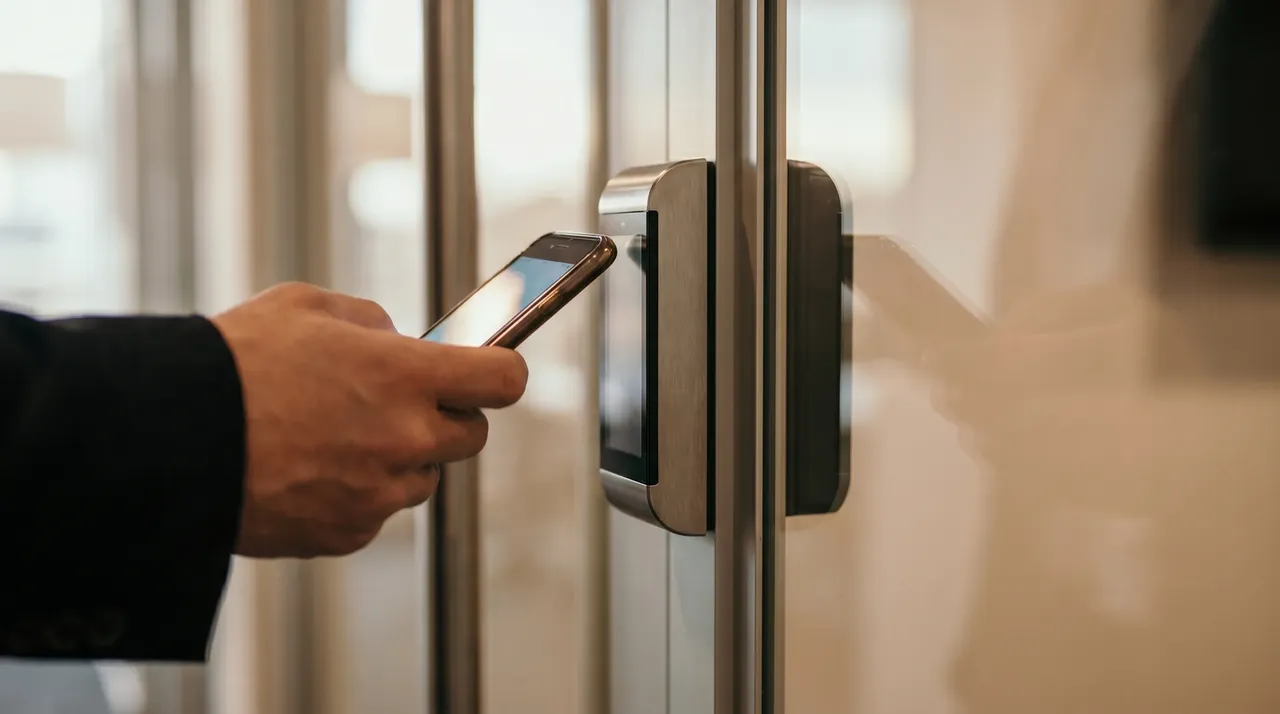
The buzzer on the side door at the back of an OC office park is often the oldest piece of technology on the building. Somebody installed it during a tenant improvement fifteen years ago, wired it to a phone extension that stopped existing after the last remodel, and now it either doesn't work at all or connects to a receptionist's desk that hasn't been staffed in three years. A visitor rings, nothing happens, and eventually they call somebody's cell phone from the parking lot.
That gap between a locked front door and a working way to answer it is what a video intercom is actually for. It's the visitor-facing complement to card access, and for most multi-tenant commercial buildings in Orange County, it's the missing piece between "we secured the door" and "we can actually manage who comes through it."
What a video intercom does, in practical terms
A video intercom is a station at the door with a camera, a speaker, a microphone, and a button — or a directory of buttons, one per tenant. When someone presses it, the call rings somewhere the property or the tenant can answer: a phone, a desk unit, a mobile app, or all three. The answering party sees who's at the door, talks to them, and, if it makes sense, unlocks the door remotely.
That's the whole product. What changes for the building around it is more interesting:
- A property manager can answer the front door from anywhere, not just from an on-site office that may not exist
- A tenant can buzz in a delivery from the third floor without walking down to the lobby
- The building keeps a record of every doorbell press with a matching camera view
- Nobody has to hand a delivery driver a temporary code that then circulates
Modern intercoms are IP-based, which means the wiring is the same low-voltage cable that runs cameras and access-control readers. Most integrate directly with the access-control system, so the schedule that governs card readers can also route intercom calls. The after-hours call goes to a different phone than the daytime one, automatically.
Why it matters in a multi-tenant building
The property manager's version of this is straightforward. In a building with several tenants, the front door has to work for people who don't have credentials — visitors, deliveries, prospective tenants on a tour, contractors coming in for the first time. Without a working intercom, the practical answer is that somebody has to be at the door, or a tenant has to walk down and open it, or the door quietly gets propped and stays propped for hours.
A directory-based intercom fixes this at the source. Each tenant gets their own button. Their staff answers on their own phones or desk units. The property manager sits on the main-office button for building-level questions. A vendor who needs to reach management after 5pm gets routed to the after-hours contact by schedule.
For the small-to-mid multi-tenant office and retail buildings we work in across South OC, this is the piece that turns access control from "we locked the door" into "we have a front door that works." The [access control guide](/blog/access-control-small-commercial-buildings) covers the credential side of the same problem — cards, fobs, mobile keys for the people who belong in the building every day. The intercom handles everyone who doesn't have a credential yet, or shouldn't have one at all.
The delivery question
Deliveries are the most common intercom use in a South OC commercial building. UPS, FedEx, Amazon, a courier from a client, Grubhub for the office lunch. Each is someone who arrives without a credential, needs to reach a specific tenant, and needs the door open for thirty seconds.
The alternatives that get used when there's no working intercom are all bad. A delivery lockbox with a shared code that no one changes. A back door left cracked from 8am to 6pm. A cell number on a sign that goes to voicemail during meetings. Every one of these creates a real security gap or a real service failure, and neither is theoretical — they show up as slow leaks in how the building actually runs.
A tenant-directory intercom sends the driver's call to the actual tenant. The tenant sees the driver on the camera, unlocks the door for the delivery, and the door locks again. The event is logged. There's a matching video record. Nobody handed out a code, nobody left a door propped.
After-hours access without a drive-out
The other place video intercoms earn their keep is the after-hours call. A cleaning crew arrives at 6pm and their credential doesn't work — the intercom rings the property manager's phone, they see the crew on camera, they unlock the door and reset the credential when they're back at a desk. An HVAC tech shows up at 9pm for an emergency service call — the intercom routes to the on-call contact, they verify who it is, and the tech is in.
The alternatives to this scale badly. Giving vendors credentials they retain forever. Driving to the property every time somebody needs after-hours access. Telling contractors to come back on a different day and paying the callback fee. None of that holds up across a portfolio.
A video intercom paired with access control handles both scheduled and unscheduled after-hours access without a physical response. The property manager sees who's asking, talks to them, and decides. That decision is logged.
Integration with cameras and access control
The intercom station is a camera. On a properly designed system, it feeds video into the same recorder or cloud service as the rest of the building's cameras, and the doorbell press is a searchable event tied to that footage.
That integration shows up in the ordinary questions that come up in a multi-tenant building. Who tried the back door at 11pm on Sunday? The intercom log has a timestamp and video. Was that delivery actually made? The intercom event sits right next to the door-open event in the access log. Was the front door propped after the visitor left? The intercom camera has the exit covered.
For property managers already thinking about how cameras and access control work together, the intercom slots in as the third piece of the same install: the same network segment, the same support relationship, the same app. [Our property management piece](/blog/commercial-property-management-security) covers the whole picture. The intercom is one specific part of it.
What we install and why
Most of the intercoms we put in are IP-based systems that support a tenant-directory format and route calls to mobile apps. The reasons come down to practical operation:
- IP intercoms integrate cleanly with cloud-based access control, so the property manager isn't juggling two systems
- Directory-style call routing means each tenant answers their own visitors, and the property manager doesn't become a switchboard
- Mobile app answering means calls reach the right person whether they're on-site or across the county
- Cellular backup keeps the intercom working even if the building's internet has a problem
The install itself is one visit for most buildings: the station outside the door, the electric strike or maglock, the controller, the wiring back to the network. We configure the routing so each button reaches the right person and the after-hours schedule sends calls where they need to go. We test the whole thing with real calls before we leave.
Getting started
If you manage a multi-tenant office, retail, or medical building in Orange County and the front door situation is either "the buzzer doesn't work" or "we prop it during business hours because nothing else does," a video intercom is usually the shortest path to something better. We handle installs across South OC and up through the county.
[Book a free site walk](/get-started) and we'll look at the actual door, the tenant mix, and how a directory intercom would fit the building. Or see [the full range of what we install](/services) across cameras, access control, network, audio, and monitoring.
Get in touch with WERKSTATT OC — Commercial security and low-voltage for businesses across Orange County.