AI Camera Alerts vs. Motion Alerts: Why the Old Way Buries You
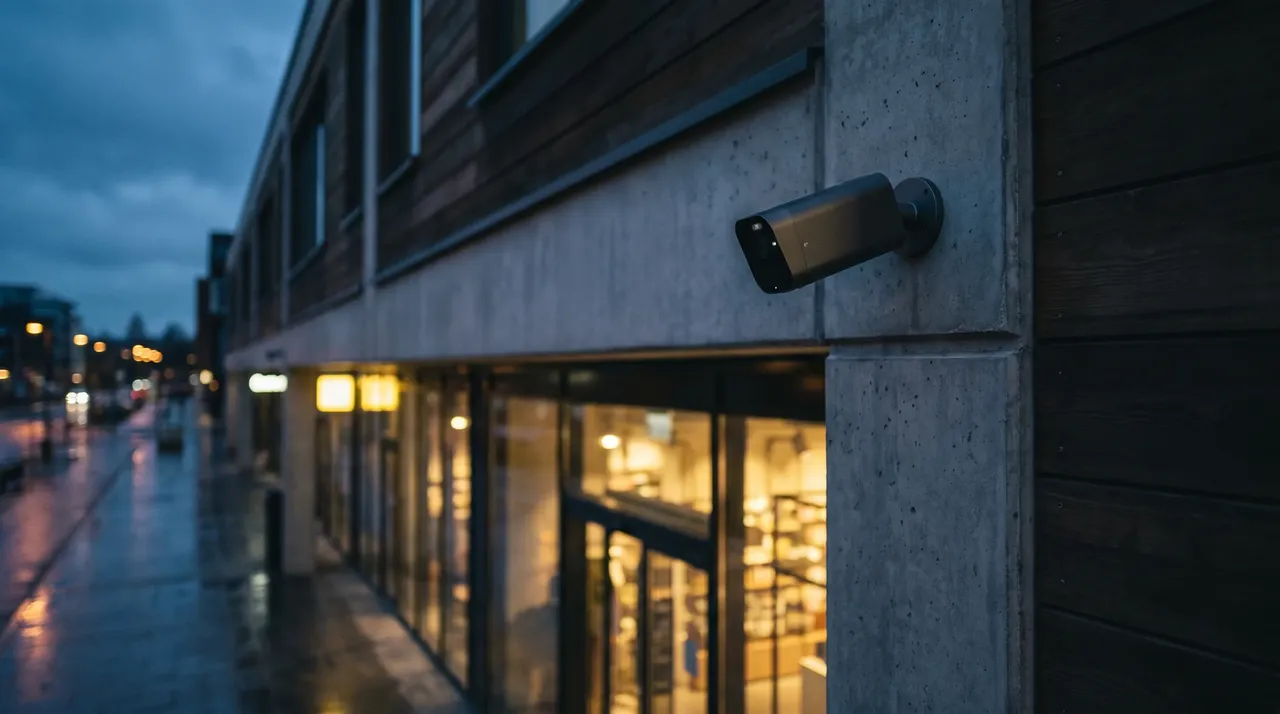
Every business owner who's run motion-alert cameras knows the exact moment they gave up. For us it's usually described the same way: "I turned the notifications off after the first week." A motion system on a typical commercial lot will fire forty-plus alerts a day — a tree branch in the wind, headlights sweeping the lot, a cat, a delivery driver, a plastic bag. By day three you've muted all of it. Which means whenever something does happen, the system is screaming into a phone whose alerts got silenced months ago.
That's the core failure of motion detection. It's not that it misses things. It's that it cries wolf so relentlessly that you stop listening, and a security system you stop listening to isn't a security system. This matters even in low-crime parts of OC, where the value of an alert isn't only an intruder — it's also knowing the gate was left open, a vehicle's in the lot after close, or someone's at a door that should be empty.
How motion alerts actually work
Traditional motion detection is dumb in the literal sense. It watches for pixels changing between frames. When enough pixels change, it triggers. It has no idea whether those pixels are a person, a raccoon, a shadow moving across the lot at sunset, or rain on the lens.
You can tune it — draw zones, raise the sensitivity threshold, mask out the busy street. But you're always trading one failure for another. Crank sensitivity down to kill the false alarms and you start missing real events. Crank it up to catch everything and you're back to forty alerts a day. There's no setting that makes a pixel-counter understand context, because it fundamentally doesn't know what it's looking at.
How AI detection is different
AI-detection cameras run object recognition on the device itself. Instead of "pixels changed," the question becomes "is that a person, a vehicle, an animal, or nothing that matters." The camera classifies what it sees and only alerts on the categories you care about.
In practice that means you can tell the system: alert me on people in the lot after 9pm, alert me on vehicles at the loading dock after hours, ignore animals entirely. The branch in the wind never triggers. The cat never triggers. The delivery van at 2pm during business hours never triggers. The person walking the back fence line at midnight does, immediately.
The categories most OC businesses actually use:
- **Person detection** — the workhorse. Someone present where they shouldn't be, when they shouldn't be.
- **Vehicle detection** — a car in the lot after close, a truck at the dock overnight.
- **Loitering and line-crossing** — someone lingering in a zone, or crossing a boundary like a fence or a doorway.
- **Animal filtering** — so wildlife and pets stop generating noise.
Because the alerts are meaningful, you actually keep them on. That's the entire point. An alert you trust is one you respond to.
The part nobody mentions: searching footage
The alerts are half the value. The other half shows up whenever you need to go back and check something. With motion footage, finding the moment means scrubbing a timeline. With AI detection, you search by what you're looking for — show me every person who entered this zone between midnight and 6am, or every vehicle at the dock after close — and the system pulls those clips in seconds.
This is the part owners underrate, because most of the time you're not investigating a crime. You're settling something ordinary: when a delivery actually arrived, whether a contractor showed up at the hour they billed, who propped the back door, when the closing staff really left. With the old system each of those is an evening of scrubbing. With AI search it's a thirty-second query that answers the question before lunch.
This is the same capability that makes AI detection useful against [retail loss](/blog/what-actually-stops-retail-theft) too — you stop drowning in footage and start finding the specific moment that matters.
Where AI detection still needs help
I'll be straight about the limits. AI detection tells you a person is present and roughly what they're doing. It doesn't tell you who they are, and it can't read a license plate. For identity on the sales floor you still need clean overview cameras at the right height and angle. For vehicles, you pair it with [license-plate recognition](/blog/license-plate-recognition-commercial-property), which is a different, specialized camera built for that one job.
Detection accuracy is very good now, not perfect. Heavy fog, a camera caked in dust, someone fully obscured — edge cases exist. The difference is that AI detection's failure mode is occasionally missing an edge case, where motion detection's failure mode is burying you so thoroughly you turn it off. One of those is recoverable. The other defeats the whole purpose.
Should you replace what you have
If your current cameras work and you've simply muted the alerts, you may not need new hardware — sometimes the camera supports on-device AI and it was never enabled or configured. Often, though, older cameras don't have the processing for real object detection, and the honest answer is that an upgrade on the cameras that matter most — entrances, lot, back of house — is worth it, while leaving lower-risk coverage as-is.
We figure that out during the site walk. There's no reason to rip and replace a whole system when the high-value move is usually upgrading a handful of key cameras and configuring detection properly.
The bottom line
Motion detection fails not because it's blind but because it's indiscriminate, and indiscriminate alerts train you to ignore them. AI detection works because it's selective — it tells you about the person at the back door and stays quiet about the branch in the wind, so when it does alert you, you move.
If you've muted your camera notifications because they were useless, that's a fixable problem. [Book a free site walk](/get-started) and we'll see whether it's a configuration fix or a targeted upgrade. You can also browse [what we install](/services) across cameras, access control, and monitoring.
Get in touch with WERKSTATT OC — Commercial security and low-voltage for businesses across Orange County.