Access Control for Small Commercial Buildings: A Practical Guide
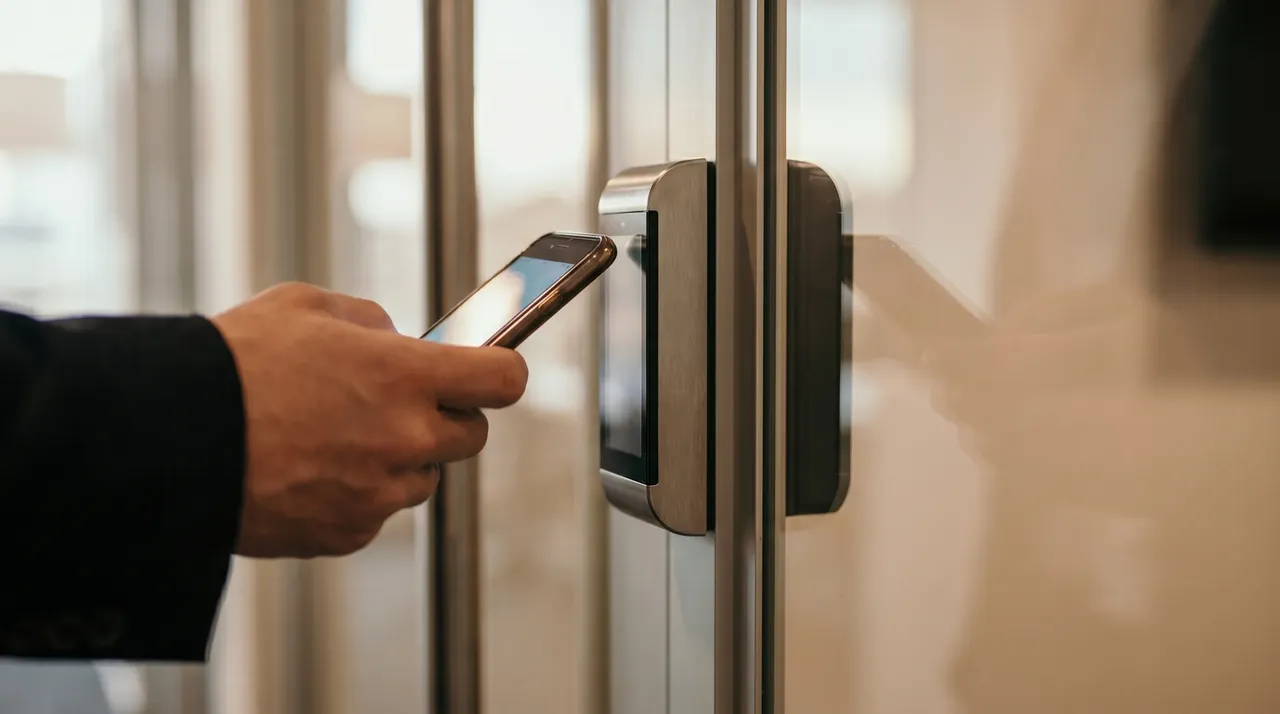
Picture a small multi-tenant office building running on physical keys — one shared front entrance, a back door to the lot, a half-dozen suites. Every time someone leaves, a tenant turns over staff, or a key simply goes missing, the property manager faces the same unappealing menu: re-key the building, cut new keys for everyone, and hope no one made a copy at the hardware store. It's a day and a few hundred dollars each time, and for a building with any turnover it happens more than once a year.
That's the quiet problem with keys, and it has nothing to do with crime. They can't be revoked, they get copied, they don't tell you who came and went, and one missing key compromises the whole building. For a small commercial building, moving off keys is usually the single highest-value security upgrade available, and it's more affordable than most owners assume.
What access control actually is
Access control replaces the lock-and-key with credentials the system controls. Instead of a brass key, someone uses a fob, a card, a phone, or a code to open the door. The difference is that you, not the lock, decide who's allowed — and you can change that in seconds without touching the door.
The pieces are straightforward: a reader at the door, an electronic lock or strike, a controller that makes the decisions, and software where you manage who has access. Modern systems are mostly cloud-managed, so the "control panel" is an app or a web page you open from anywhere.
Why it beats keys for a small building
The advantages aren't subtle:
- **Instant revocation.** Employee leaves, fob deactivated, done. No re-keying, no locksmith, no risk of a copied key.
- **A record of every entry.** You know who opened which door and when. After an incident, that log is the first thing that answers questions.
- **Schedules.** The cleaning crew's credential works 6 to 9pm and nothing else. A tenant's staff works business hours. The building locks itself on a schedule, and you stop relying on whoever's last out to lock up.
- **Remote unlock.** Let a delivery, a contractor, or a prospective tenant in from your phone without driving over.
- **No more shared keys floating around.** Every person has their own credential, so accountability is real.
For a multi-tenant building, the scheduling and per-person logging alone usually justify the system. You can give each tenant control of their own suite while keeping the common areas on a building-wide schedule.
The credential question: fob, card, phone, or code
Each has a place:
- **Fobs and cards** are cheap, reliable, and easy to hand out and revoke. Still the default for most small buildings.
- **Mobile credentials** put the key on someone's phone. Convenient, harder to lose, and easy to issue remotely — good for buildings with frequent contractor or visitor access.
- **Keypad codes** work for low-traffic doors or as a backup, but shared codes drift over time and people tend to write them down. Use them deliberately, not as the main method.
Most buildings end up with a mix — fobs for regular occupants, mobile credentials for management and frequent visitors, a code as backup. There's no single right answer; it depends on who uses the building and how often the roster changes.
Where it ties into the rest of your security
Access control gets dramatically more useful paired with cameras. When the system logs an entry, you want to see it. A camera at each controlled door, ideally with [AI person detection](/blog/ai-camera-alerts-vs-motion-alerts), means every door-opened event has video attached — so you're not just reading that the back door opened at 11pm, you're watching who walked through it.
For buildings with parking concerns, [license-plate recognition](/blog/license-plate-recognition-commercial-property) on the lot complements door access by covering the vehicles, not just the people. And if the building ever sits [vacant between tenants](/blog/securing-vacant-commercial-property-orange-county), an access-control system makes it far easier to manage touring access without handing out keys you can't get back.
What it costs to run
Owners ask about the ongoing cost, and it's a fair question. Hardware is a per-door install — the reader, lock, and wiring at each controlled opening, quoted per site after the walk. Beyond that, cloud-managed systems carry a modest software cost, and credentials are cheap to issue.
The honest comparison isn't access control versus free. It's access control versus the real, recurring cost of keys: the re-keys, the locksmith calls, the lost time, and the security gap every time a key goes missing or someone leaves on bad terms. For a building that turns over staff or tenants with any regularity, the math favors access control quickly.
When it's worth it and when it isn't
Access control earns its keep when you have multiple people needing access, regular turnover, multiple doors, shared common areas, or any history of key problems. A single-tenant building with a stable two-person staff and one door might reasonably stay on a good commercial lock for now.
The line we draw on the site walk: how many doors, how many people, how often does the access list change, and what's the cost of the building staying on keys. If you're re-keying more than once a year, you've already paid for part of a real system in wasted locksmith fees.
Where to start
You don't have to convert every door at once. Most small buildings start with the entrances that matter most — the front door, the back lot door, the server or stock room — and expand from there. We design it to grow, so the first install isn't a dead end.
If your building still runs on keys and you've felt the pain of it, [book a free site walk](/get-started) and we'll map which doors are worth controlling first. You can also see [how access control fits with cameras and monitoring](/services) across a complete setup.
Get in touch with WERKSTATT OC — Commercial security and low-voltage for businesses across Orange County.